
Introduction
In today's digital world, having a website alone is no longer enough. Every day, millions of people search Google for products, services, and solutions. If your small business doesn't appear in those search results, you're losing potential customers to competitors.
This is where Search Engine Optimization (SEO) becomes essential.
SEO is the process of improving your website so that it ranks higher on search engines like Google, Bing, and other search platforms. Higher rankings lead to more visitors, better brand visibility, increased trust, and ultimately more customers.
The good news is that you don't need a massive marketing budget to benefit from SEO. With the right strategy, even a small business can compete with larger companies.
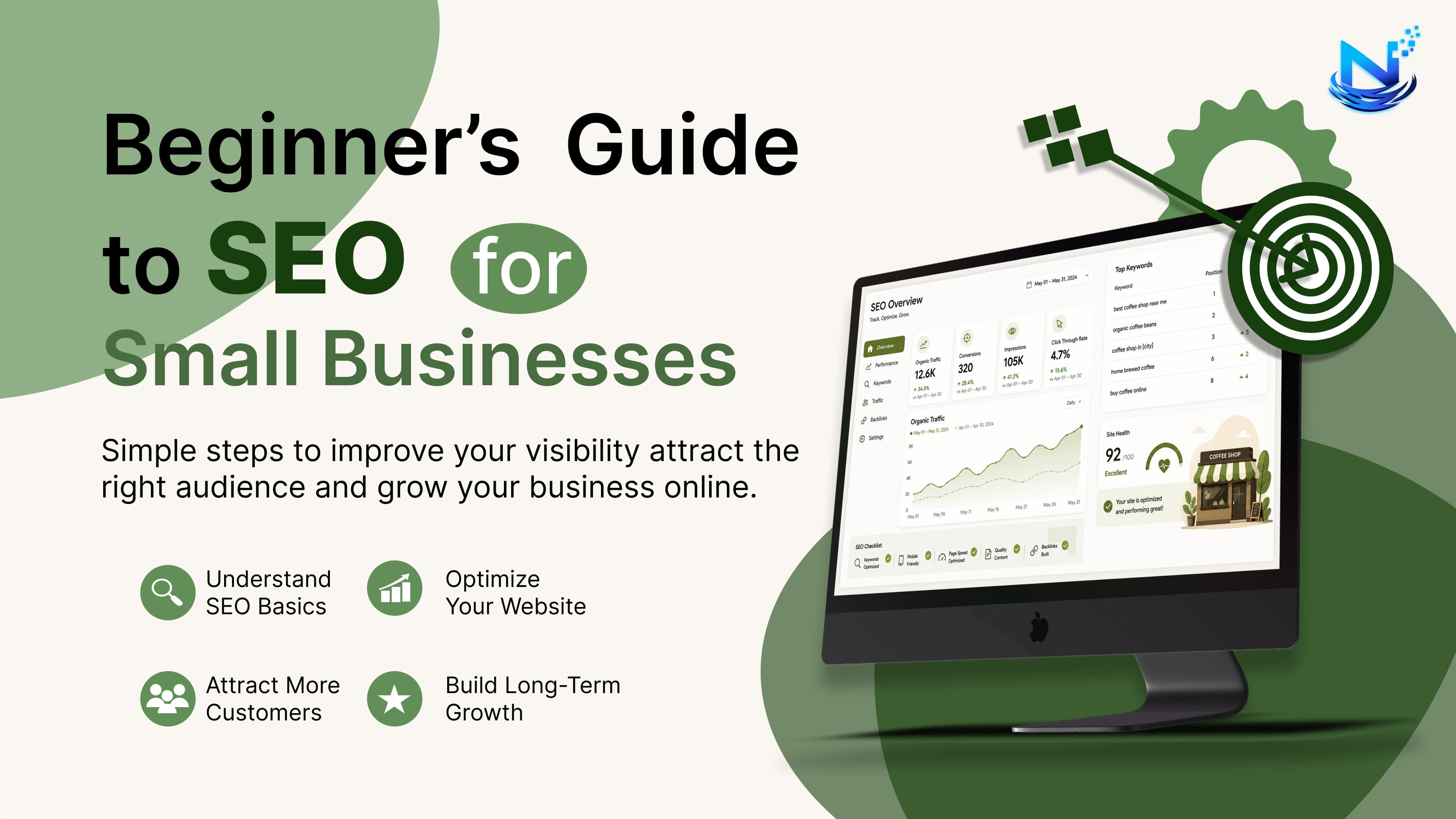
This beginner-friendly guide covers everything you need to know to start optimizing your website for search engines.
What is SEO?
SEO (Search Engine Optimization) is the practice of improving your website so search engines can understand your content and rank it higher for relevant searches.
For example:
If you own a bakery in Ahmedabad, you want your website to appear when people search:
Best bakery near me
Fresh birthday cakes
Custom cakes in Ahmedabad
SEO helps make that happen.
Why SEO Matters for Small Businesses
SEO offers long-term benefits that paid advertising cannot always provide.
Benefits include:
Free organic website traffic
Higher search engine rankings
Better brand awareness
Increased customer trust
More qualified leads
Higher conversion rates
Long-term marketing ROI
Unlike paid ads, good SEO continues generating traffic even after the initial optimization.
How Search Engines Work
Search engines follow three major steps:
1. Crawling
Google discovers your website using automated bots called crawlers.
2. Indexing
Google stores your pages in its massive database.
3. Ranking
When someone searches, Google decides which pages deserve the top positions based on hundreds of ranking factors.
How SEO Helps Small Businesses
SEO can help businesses such as:
Restaurants
Clinics
Salons
Local shops
Ecommerce stores
Agencies
Consultants
Real estate companies
Manufacturers
Educational institutes
Even local businesses can compete effectively with larger brands using strong local SEO strategies.
Types of SEO
1. On-Page SEO
Optimizing everything directly on your website.
Includes:
Keywords
Titles
Headings
Images
URLs
Internal links
Content quality
2. Off-Page SEO
Improving authority through external signals.
Includes:
Backlinks
Brand mentions
Guest blogging
Social media visibility
Digital PR
3. Technical SEO
Improving the technical health of your website.
Includes:
Website speed
Mobile friendliness
HTTPS security
XML sitemap
Robots.txt
Structured data
Crawlability
4. Local SEO
Helps nearby customers find your business.
Includes:
Google Business Profile optimization
Local keywords
Reviews
Local citations
NAP consistency (Name, Address, Phone)
Understanding Keywords
Keywords are the search terms users type into Google.
Examples:
SEO services
Best digital marketing agency
Hair salon near me
Buy running shoes online
Types of Keywords
Short-tail Keywords
Example:
SEO
Very competitive.
Long-tail Keywords
Example:
Affordable SEO services for small businesses
Less competition and higher conversion potential.
Local Keywords
Example:
SEO agency in Ahmedabad
Ideal for local businesses.
Transactional Keywords
Examples:
Buy laptop online
Hire SEO expert
These indicate purchase intent.
Informational Keywords
Examples:
What is SEO?
How does SEO work?
Excellent for blog content.
How to Find Keywords
Use keyword research tools such as:
Google Keyword Planner
Google Search Suggestions
Google Search Console
Ahrefs
SEMrush
Ubersuggest
AnswerThePublic
Choose keywords based on:
Search volume
Competition
User intent
Business relevance
On-Page SEO Checklist
Optimize Title Tags
Example:
Beginner's Guide to SEO for Small Businesses (2026)
Keep titles around 50–60 characters.
Write Compelling Meta Descriptions
Summarize the page in 150–160 characters.
Include the target keyword naturally.
Use Proper Heading Structure
H1, H2, H3, H4
Maintain a logical hierarchy.
Create SEO-Friendly URLs
Good:
example.com/beginner-seo-guide
Avoid:
example.com/page?id=12345
Optimize Images
Compress images
Use descriptive filenames
Add keyword-rich alt text
Choose modern formats like WebP when possible
Internal Linking
Link relevant pages together.
Benefits:
Better crawling
Improved user experience
Increased page authority distribution
External Linking
Link to trustworthy, relevant sources when it adds value.
Writing High-Quality Content
Google rewards content that is:
Helpful
Accurate
Original
Comprehensive
Updated regularly
Easy to read
Focus on solving real user problems rather than simply inserting keywords.
E-E-A-T Explained
Google values:
Experience
Show first-hand knowledge and practical insights.
Expertise
Demonstrate subject knowledge.
Authoritativeness
Build recognition within your industry.
Trustworthiness
Provide transparent information, secure browsing (HTTPS), clear contact details, and accurate content.
Technical SEO Basics
Important elements include:
Fast loading speed
Mobile optimization
HTTPS
XML Sitemap
Robots.txt
Canonical tags
Structured data
Clean code
Crawlable navigation
Mobile SEO
More users browse on smartphones than desktops.
Ensure your website has:
Responsive design
Fast mobile loading
Readable text
Touch-friendly buttons
Proper spacing
Website Speed Optimization
Improve speed by:
Compressing images
Using browser caching
Minifying CSS and JavaScript
Enabling Gzip or Brotli compression
Using a CDN
Reducing unnecessary plugins
Optimizing server response time
Local SEO Guide
If your business serves a specific area, local SEO is essential.
Optimize Your Google Business Profile
Include:
Business name
Address
Phone number
Business hours
Website
Photos
Categories
Services
Encourage satisfied customers to leave genuine reviews and respond to them professionally.
Build Local Citations
List your business consistently on reputable directories.
Maintain identical:
Name
Address
Phone Number
Across every platform.
Link Building for Beginners
Backlinks remain one of Google's strongest ranking signals.
Ways to earn links:
Guest blogging
Local business partnerships
High-quality blog content
Resource pages
Digital PR
Industry directories
Case studies
Original research
Focus on quality over quantity.
Common SEO Mistakes
Avoid:
Keyword stuffing
Duplicate content
Slow websites
Broken links
Thin content
Ignoring mobile users
Missing meta titles
Poor internal linking
Low-quality backlinks
Not tracking performance
Free SEO Tools
Helpful free tools include:
Google Search Console
Google Analytics
Google Keyword Planner
PageSpeed Insights
Google Trends
Bing Webmaster Tools
Screaming Frog SEO Spider (free version)
Ubersuggest (limited free features)
Measuring SEO Success
Track these key performance indicators (KPIs):
Organic traffic
Keyword rankings
Click-through rate (CTR)
Bounce rate
Average engagement time
Conversion rate
Backlinks
Indexed pages
Core Web Vitals
Revenue from organic traffic
Simple SEO Strategy for Beginners
Follow these steps:
Create a mobile-friendly website.
Perform keyword research.
Optimize title tags and meta descriptions.
Publish helpful, original content consistently.
Improve website speed.
Set up Google Search Console and Analytics.
Build quality backlinks.
Optimize for local SEO.
Monitor your rankings and traffic.
Update older content regularly.
FAQs
How long does SEO take?
SEO is a long-term strategy. Many websites begin seeing measurable improvements within 3–6 months, while competitive industries may take longer.
Is SEO free?
Organic traffic itself doesn't require paying for clicks, but effective SEO often involves investing time, expertise, and sometimes professional tools or services.
Can I do SEO myself?
Yes. Beginners can learn and implement the fundamentals, especially for small business websites.
Is SEO better than paid advertising?
SEO and paid ads work best together. SEO builds sustainable, long-term visibility, while paid ads provide immediate traffic.
How often should I update my website?
Review important pages every few months and update content whenever information changes or new opportunities arise.
Final Thoughts
SEO is one of the most valuable long-term marketing investments a small business can make. By understanding your audience, creating high-quality content, optimizing your website, and maintaining strong technical and local SEO practices, you can steadily improve your visibility in search results.
Success with SEO doesn't happen overnight, but consistent effort pays off through increased organic traffic, stronger brand credibility, and more qualified leads. Start with the fundamentals outlined in this guide, track your progress, and refine your strategy over time. As your website grows in authority and usefulness, your business will be better positioned to attract customers without relying solely on paid advertising.